

Upgrading your TSplus version
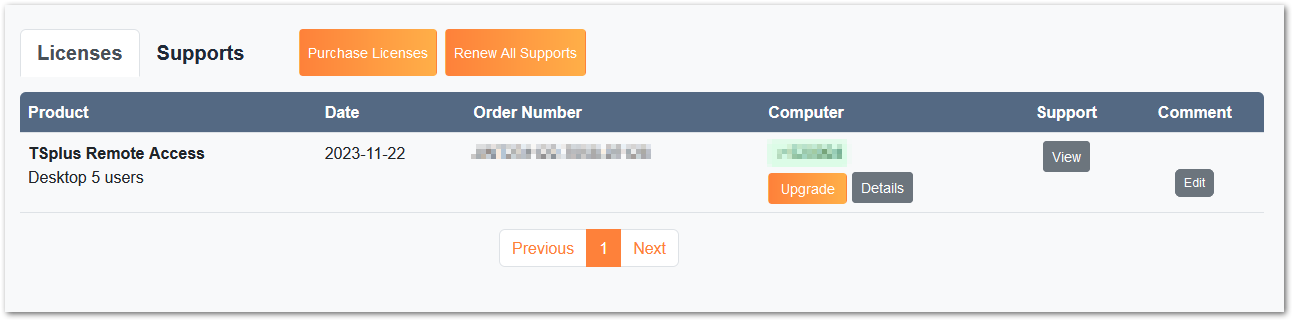
If you want to update your current version of TSplus, in order to add more users or more features, register in your license portal.
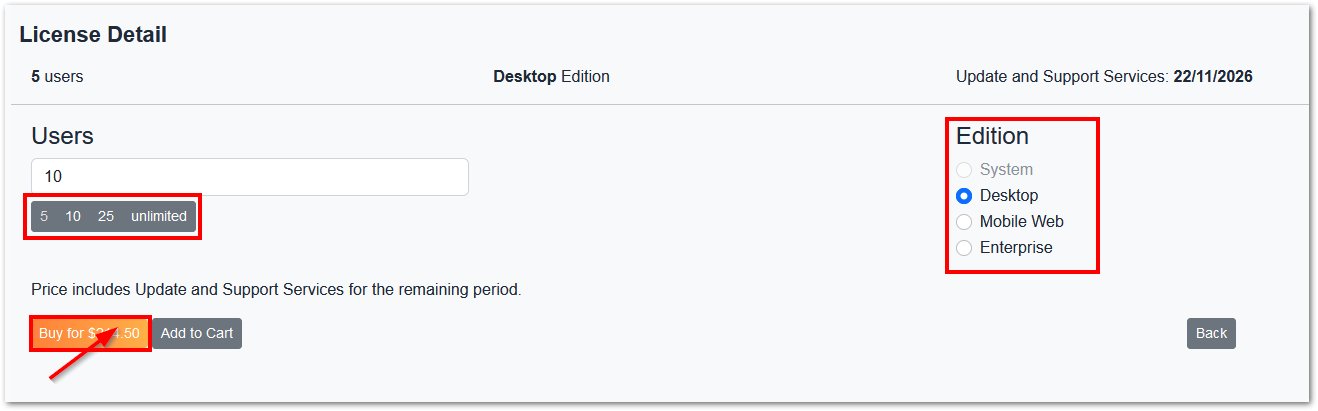
Select your choice of upgrade (users and version) and click on “Buy for” to continue on our store.
After your purchase, the update will be instant and visible on your license portal.
You must also follow the same procedure on your device so that it is linked to your license.
On your server, click on the “Refresh your license” button in the AdminTool > License tab.